

Why Is Your Small UV Printer Printing Blurry? Here’s What to Check
If your UV printer suddenly starts producing blurry images, ghosting, or unclear edges, your first thought might be that the machine is broken. In reality, most blurry printing issues are caused by simple problems that you can troubleshoot yourself. Here are the most common causes, from most likely to least likely.
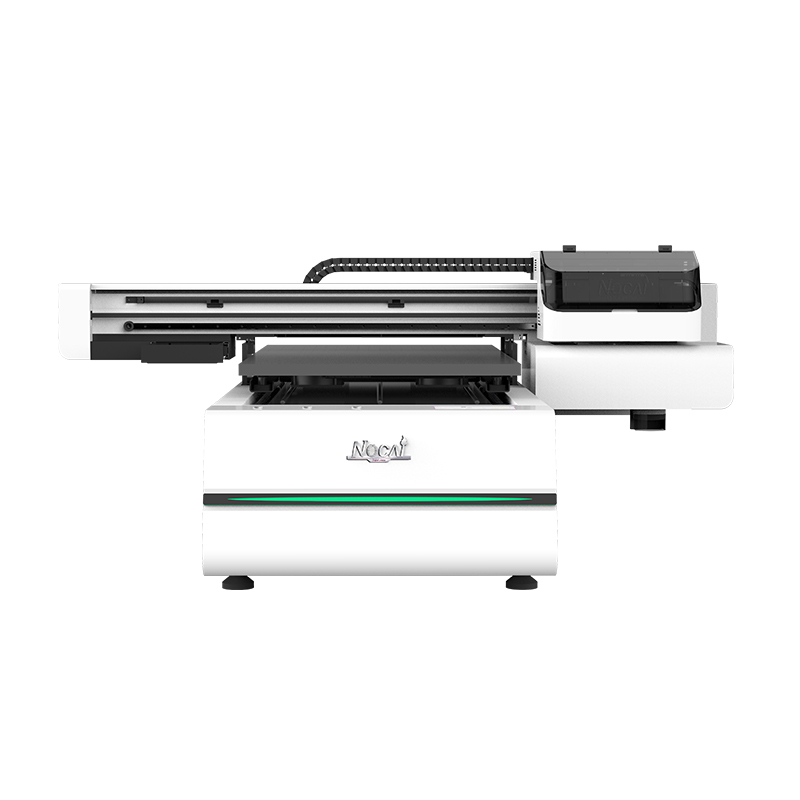
Check 1: Printhead Condition
This is one of the most common reasons for blurry prints. A partially clogged printhead, missing nozzles, or angled spraying can easily make text and graphics look rough or unclear.
Start by running a nozzle check and inspect the test pattern carefully. If you notice missing lines or uneven spraying, run the cleaning program once or twice and test again. Avoid excessive cleaning, as repeated cleaning can shorten the printhead lifespan.
Check 2: Incorrect Material Height
Small UV printers often handle materials with different thicknesses, from phone cases to acrylic sheets. If the printhead is too far from the material, the ink droplets spread before landing, causing blurry edges. If it is too close, the printhead may scratch the surface.
The recommended gap is usually around 2–3 mm. Whenever you change materials, remember to readjust the print height or focus.
Check 3: Uneven Printing Platform
After long-term use, the printing platform may become uneven. This can cause one side of the print to look sharp while the other side appears blurry, or the center may print clearly while the edges do not.
Use a ruler or thickness gauge to check whether the platform is level. If needed, recalibrate and level the platform again. It’s a basic maintenance step that many users overlook.
Check 4: Problems with the Motor or Guide Rail
If the print looks sharp left to right but shows horizontal banding or vertical misalignment, the issue is likely related to the stepper motor or guide rail system.
Check whether the guide rail is dirty or lacking lubrication, and make sure movement is smooth. Also inspect the belt tension, since a loose belt can cause positioning errors. If the issue comes from the motor or driver board, contact your supplier for technical support.
Check 5: Ink or UV Curing Issues
Expired or low-quality ink can spread unevenly and reduce print sharpness. Weak or aging UV lamps may also fail to cure the ink properly, allowing it to spread before solidifying.
Check the UV lamp usage time. If it has exceeded the recommended lifespan, consider replacing it.
One final tip: don’t panic when prints become blurry, and don’t rush to disassemble the machine. Follow the troubleshooting steps in order — check the printhead first, then material height and platform leveling, and finally inspect the motion system and curing performance. In most cases, you can solve the problem yourself without major repairs.
