
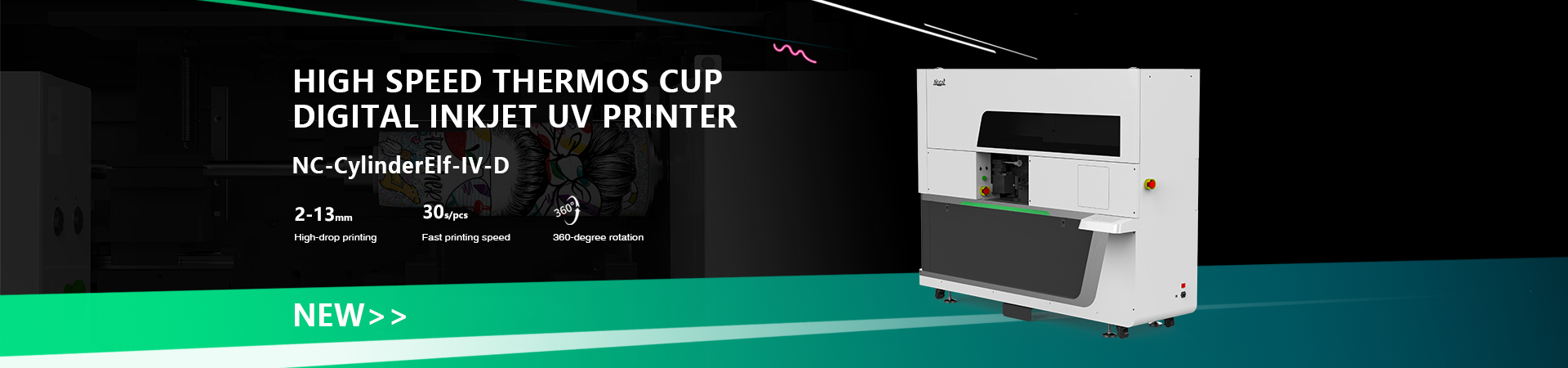
Do Cylinder (Bottle) Printers Really Take Up Little Space?Revealing the True Space Requirements & Placement Tips
In the UV printing industry, cylinder printers (also known as bottle printers) are often labeled as “space-saving” due to their relatively compact size. For entrepreneurs and factory owners planning to expand into customized bottle printing, space efficiency is indeed a key concern. So, what is the real space requirement? Let’s break it down.
02.jpg)
- Actual Size: Compact, but Not “Mini”
Most mainstream cylinder printers on the market range from 0.8 to 1.5 meters in length and 0.5 to 1 meter in width, with a footprint of about 1–2 square meters. That’s roughly the size of an office desk or a standing air conditioner—much smaller than large flatbed printers or industrial production lines.
However, one important point:
Machine size ≠ required workspace.
For example, a typical machine may measure 657mm × 900mm × 617mm, but in real operation, you also need extra space for loading and unloading materials, operator movement and routine maintenance. If the setup includes an external computer, curing system, or ink supply unit, you should reserve an additional 0.5–1 meter around the machine.
- Three Key Factors for Proper Placement
1) Leave Enough Operating Space
Since cylinder printers usually require manual loading/unloading, it’s recommended to keep at least 80–100 cm clearance around the machine. This ensures smooth operation, easy bottle handling, and convenient maintenance.
2) Control Temperature & Humidity
UV printers are sensitive to environmental conditions. Ideal working conditions are temperature: 25–28°C and humidity: 35%–65%. Extreme conditions can affect ink flow and curing performance. Place the machine in an air-conditioned or well-ventilated indoor space, away from direct sunlight and dust.
3) Power Supply & Ink System Access
Most cylinder printers use 220V standard power, with power consumption between 500W–1500W, so a regular outlet is sufficient. However, some models have ink systems on the side or bottom—make sure these areas are not blocked for easy monitoring and ink replacement.
- Practical Space Optimization Tips
Against the wall, not in a corner:Keep 30–50 cm between the back of the machine and the wall for heat dissipation and cable management. Avoid placing it in a tight corner, which limits access on both sides.
Use vertical storage:Install shelves or racks above the machine to store bottles and tools, saving floor space.
Add a mobile base:Some compact models support wheeled bases with brakes, allowing flexible layout adjustments.
Zone your workspace:Separate areas for equipment, raw materials, and finished products. Even in a small space, this helps create an efficient workflow.
Cylinder printers are indeed space-efficient, typically requiring only 1–2 square meters for the machine itself—making them suitable for factories, studios, or even home-based setups. However, the true space requirement depends on operational convenience, environmental control and maintenance access.
Before purchasing, it’s highly recommended to measure your available space, request machine layout drawings from the supplier and plan a 1:1 workspace layout based on your workflow. Even a small space can run efficiently—the key lies in smart planning.
