 Nocai – Professioneller Hersteller von UV-Druckern | Digitaldrucklösungen
Bester UV-Drucker für Aluminiumgehäuse
Direktdruck auf Metallboxen
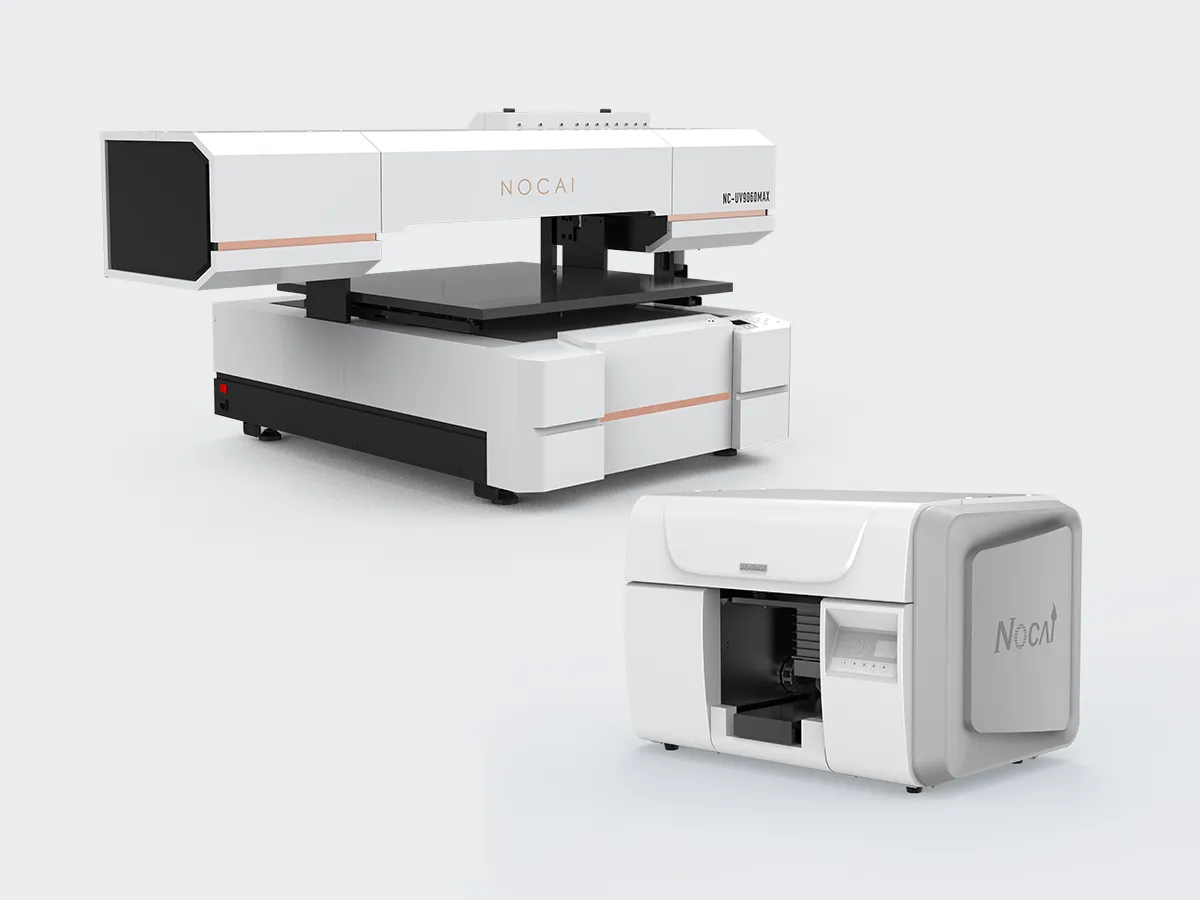
Benötigen Sie professionelle Etiketten oder individuelle Designs für Hammond-Gehäuse aus Aluminium?? A UV-Drucker für Aluminium bietet eine zuverlässige Lösung. Es wird direkt auf die Metalloberfläche gedruckt. Die Tinte härtet sofort mit UV-Licht aus. Dieser Prozess erzeugt dauerhafte Markierungen, die Kratzern und Chemikalien widerstehen. Es verhindert, dass sich Aufkleber mit der Zeit ablösen. Der digitale Workflow ermöglicht schnelle Dateiänderungen. Sie können Seriennummern ausdrucken, Logos, oder vollständige Grafiken. Diese Flexibilität macht es ideal für Prototyping und kleine Produktionsserien. Die kompakten Modelle von Nocai passen problemlos in eine Werkstatt. Sie liefern Projekt für Projekt konsistente Ergebnisse.
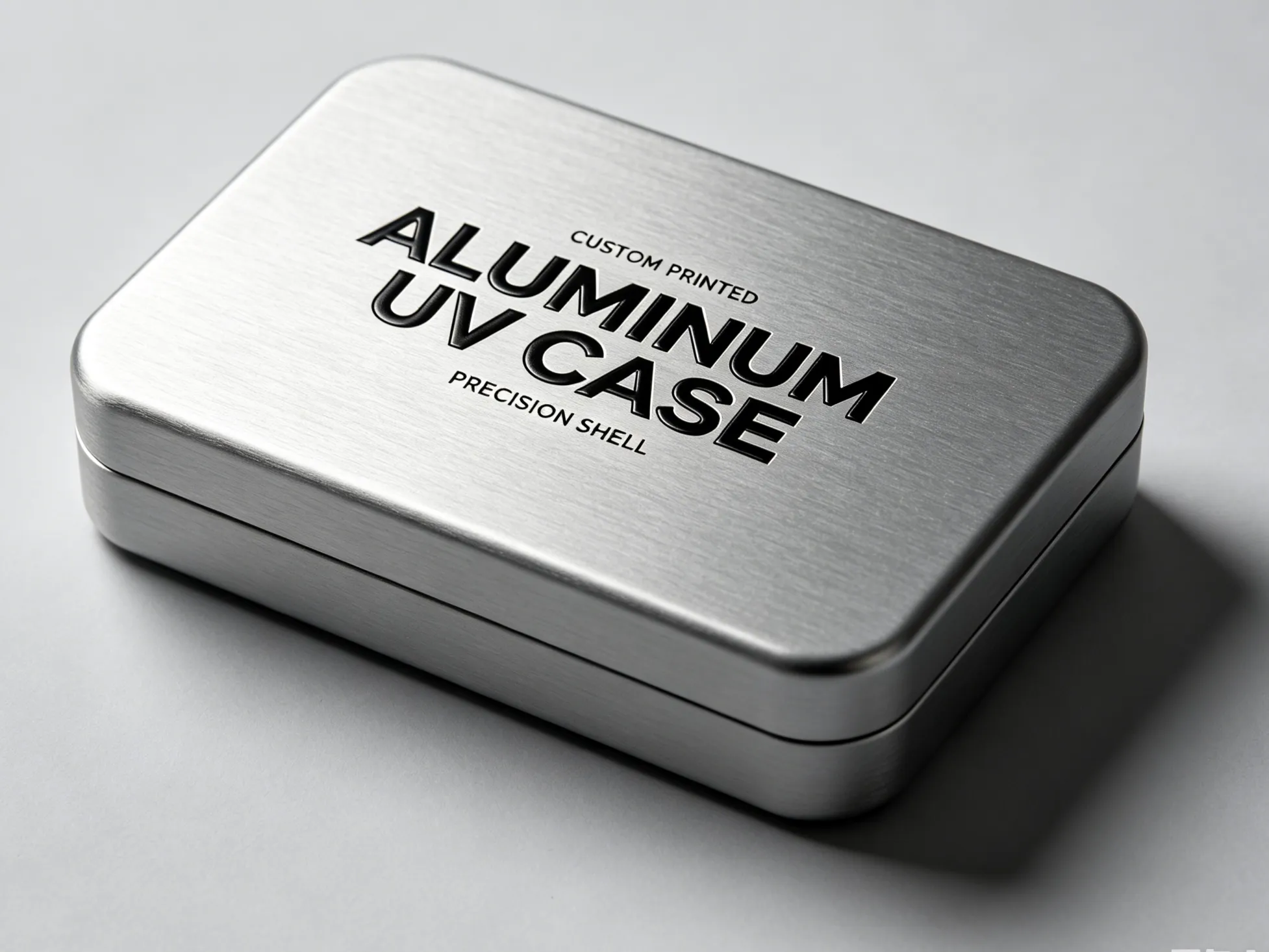
Schlüsselfaktoren für eine starke Haftung
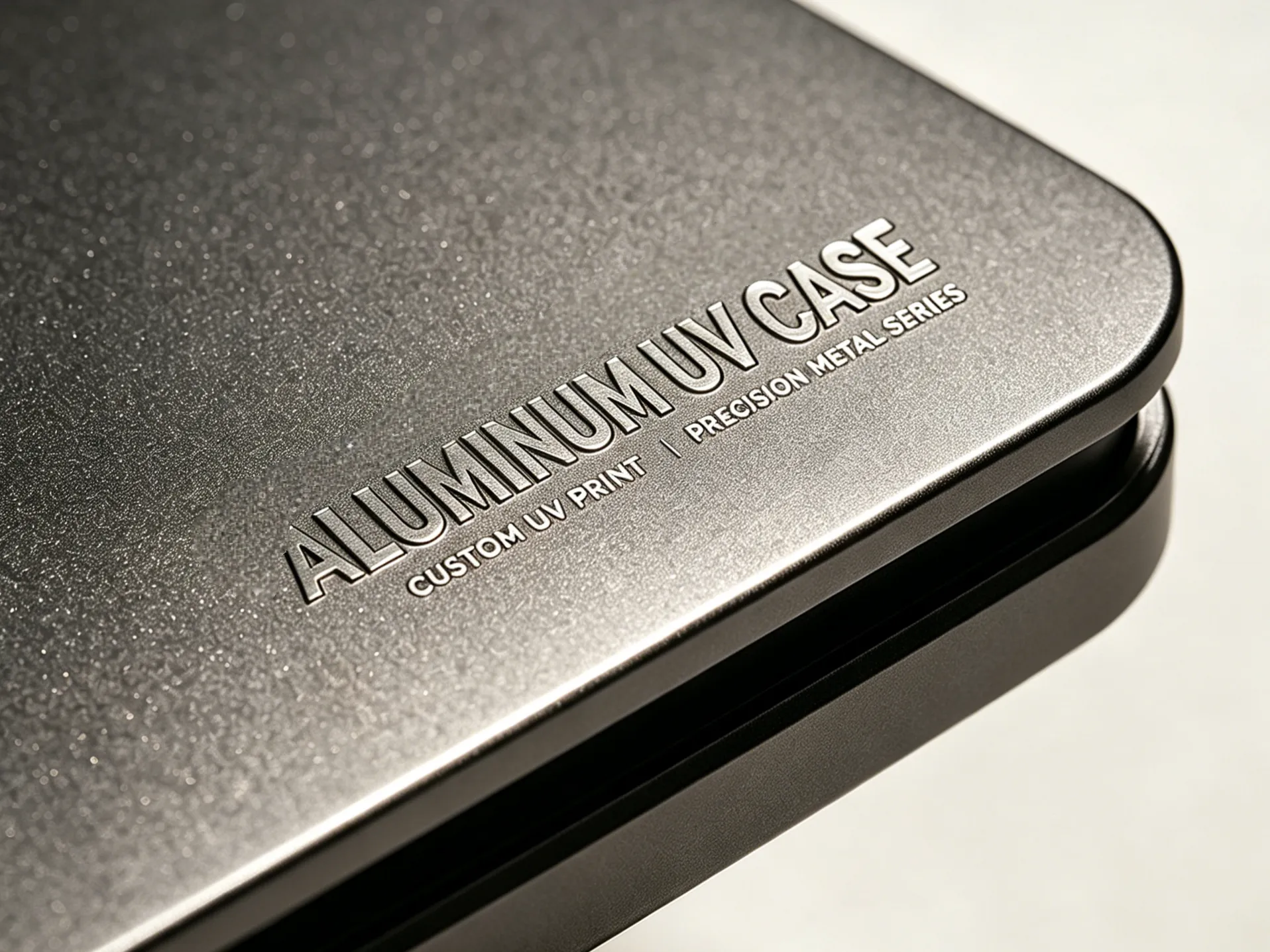
Empfohlene Nocai-Modelle
Best Practice für die Druckvorbereitung
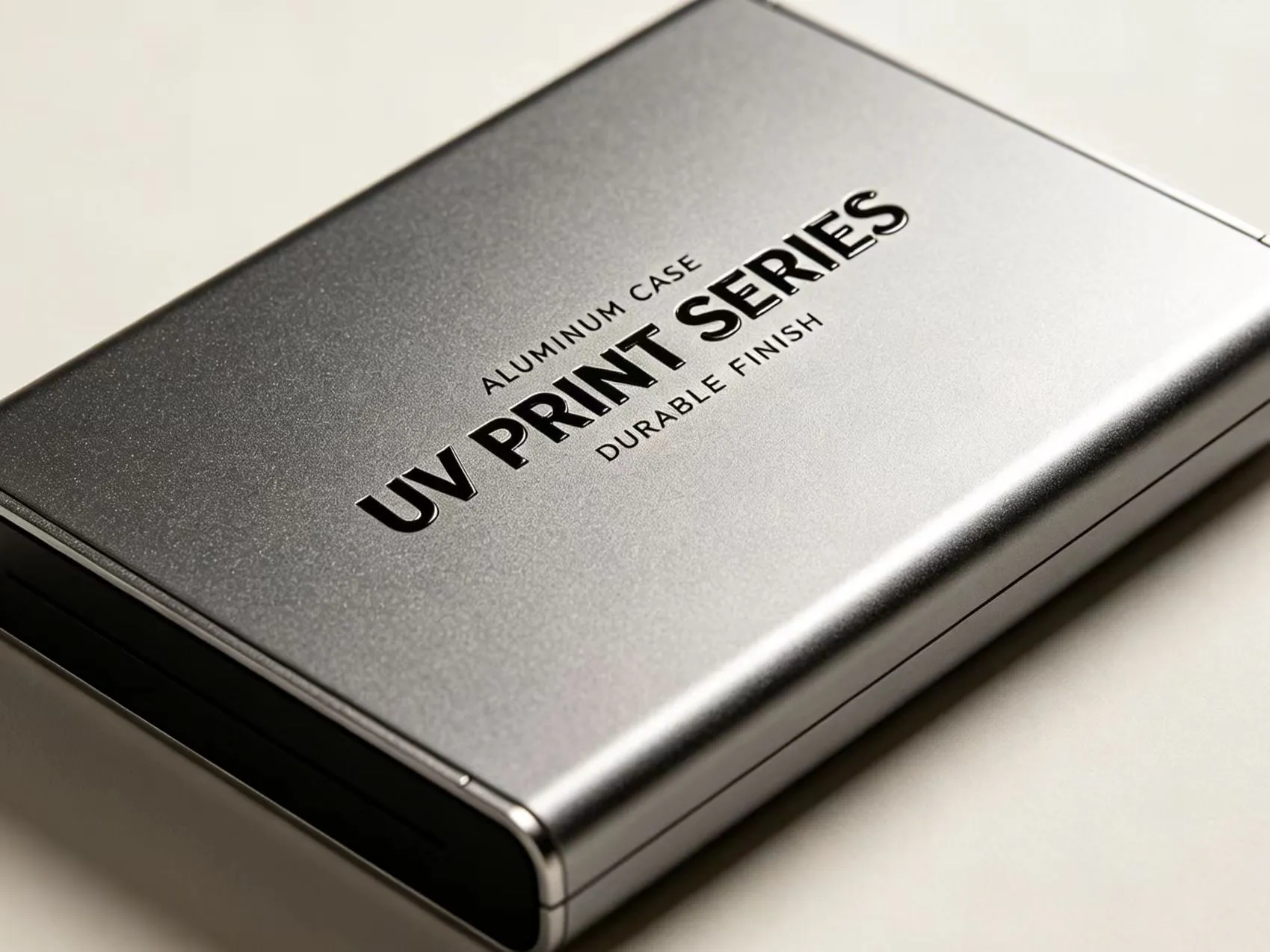
Geschäftswert und zuverlässiger Support
Die Investition in einen speziellen UV-Drucker für Aluminium eröffnet neue Geschäftsmöglichkeiten. Sie können individuelle Gravurersatz- oder Direktdruckdienste anbieten. Die Haltbarkeit von UV-Drucken auf Metall sorgt für langlebige Ergebnisse. Kunden schätzen die Qualität und Präzision. Nocai steht mit solider technischer Unterstützung hinter seiner Ausrüstung. Sie bieten Schulungen und einen schnellen Kundendienst. Viele Anwender haben diese Drucker erfolgreich in ihren Workflow integriert. Durch die erhöhte Leistungsfähigkeit amortisiert sich der Drucker schnell. Sie können von Elektronikgehäusen auf andere Metallprodukte erweitern. Mit Nocai, Sie gewinnen einen zuverlässigen Partner. Ihre Erfahrung im UV-Druck garantiert Ihnen, dass Sie die richtige Maschine für Ihre Bedürfnisse erhalten. Beginnen Sie mit Zuversicht mit dem Drucken auf Aluminium.